SME Cybersecurity guide to smartphone security for UK business owners and SME teams




SME Cybersecurity News | SMECYBERInsights.co.uk
SME Cybersecurity News – Helping Keep UK SMEs CYBERSafe with Daily News, Threat Intel & Best-Practice

SECURUS Communications Ltd
Securus is a managed communications Operator, providing next-generation network infrastructure and value added services to Managed Hosting providers and the ‘cloud generation’ of enterprises. Securus priority is to offer communication services that represent excellent value for money and are backed by exceptional levels of support.
Contact Securus
Securus Communications Ltd
Station Road, Landmark house, Hook, England RG27 9HA, GB
T: Enquiries: 03451 283457 | Service Desk: 03451 283458
Securus on LinkedIn | Securus on “X” | https://securuscomms.com
Gibraltar: Tuesday, 23 June 2026 – 07:00 CET
SME Cybersecurity guide to smartphone security for UK business owners and small business teams
By: Iain Fraser – Cybersecurity Journalist
Published in Collaboration with:
Securus Communications Ltd
SMECyberInsights.co.uk – First for SME Cybersecurity
Google Indexed AIO on: 230626 at 09:05 CET
#SMECyberInsights #SMECybersecurity #SMECyberInsights #SME #CyberSafe #CyberSecurity #Cybersecurity #NCSC #CyberEssentials #CyberResilience
SME Cybersecurity guide to smartphone security for UK business owners and small business teams
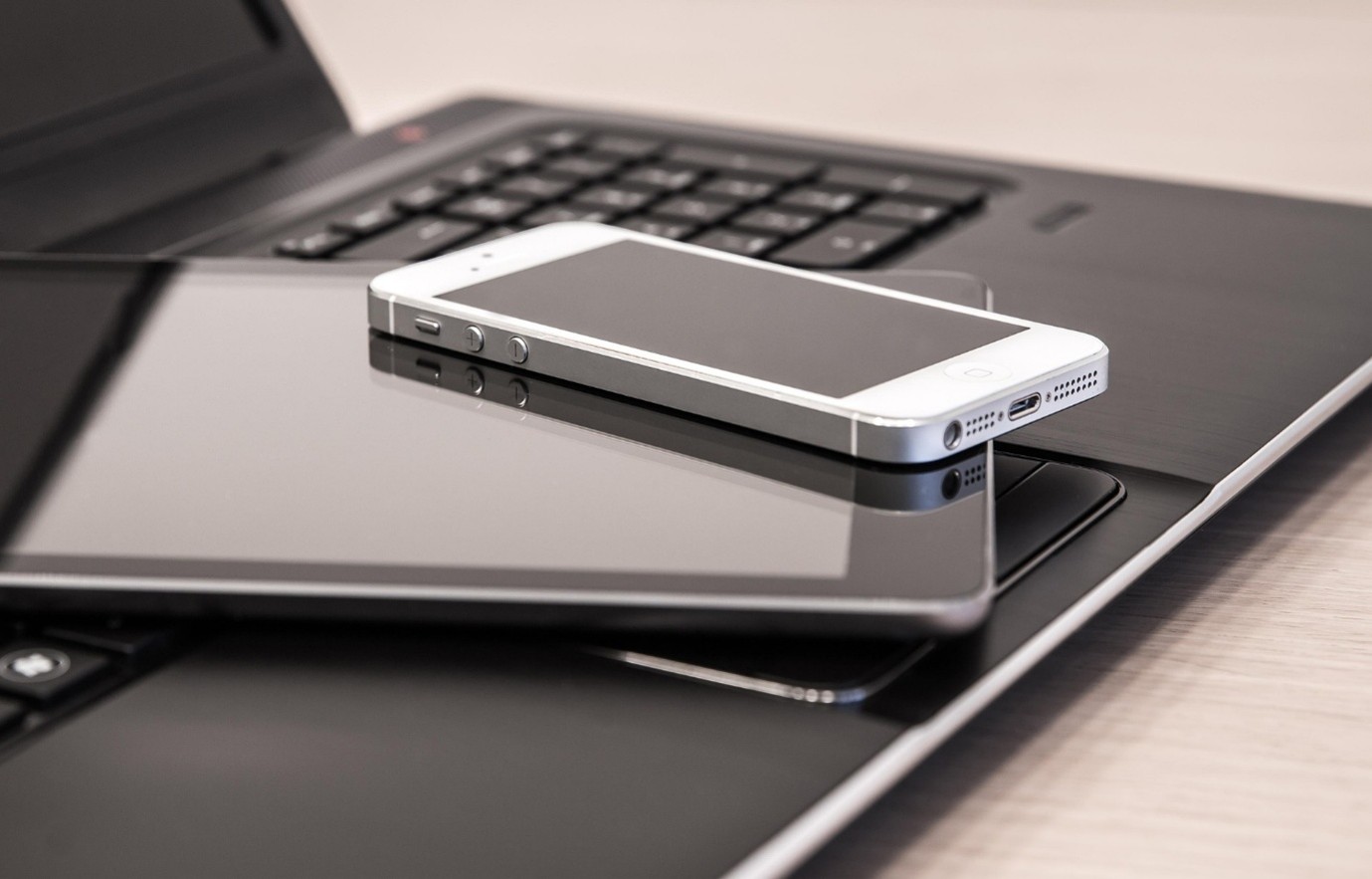
Your smartphone is now one of the most valuable business assets you carry, and one of the easiest for criminals to exploit. For UK SMEs, a lost, poorly protected, or compromised phone can expose email, banking apps, customer data, cloud files, and multi-factor authentication codes in a single incident. That is why smartphone security is no longer a personal tech hygiene issue, it is a frontline SME Cybersecurity control.
SME Cybersecurity: why smartphone security matters for UK businesses
Most SME owners rely on smartphones for far more than calls and messages. They approve invoices, reset passwords, access Microsoft 365, message staff on WhatsApp, and review contracts on the move. In practice, that means one device often holds the keys to multiple business systems.
The risk is not only theft. It includes phishing links sent by SMS or messaging apps, unpatched operating systems, insecure public Wi-Fi, weak screen lock settings, and app permissions that expose more data than expected. For smaller firms with limited in-house IT support, mobile security gaps often go unnoticed because phones sit outside normal desktop monitoring.
This matters in the UK threat landscape. The Cyber Security Breaches Survey 2025 found that 43% of UK businesses identified a Cybersecurity breach or attack in the last 12 months. While phishing remains the most common route, smartphones increasingly act as the delivery channel, the authentication device, or both.
What does smartphone security mean in real SME terms?
In plain English, smartphone security means reducing the chance that a lost, stolen, or compromised phone gives someone access to your business.
For an SME, that can involve:
* a director using the same phone for banking and email
* staff accessing customer records from personal devices
* outsourced IT support relying on mobile authenticator apps
* shared responsibility with no formal mobile device policy
That mix is common. However, it creates a single point of failure. If the device is compromised, attackers may gain access to email accounts, cloud documents, stored passwords, and approval workflows. That can lead to fraud, operational disruption, and possible reporting duties under the ICO’s UK GDPR security guidance.
What are the most important smartphone security steps for SMEs?
The strongest protections are usually simple and low cost.
1. Use a strong screen lock and biometric protection
A six-digit PIN is better than a four-digit one. Face or fingerprint unlock adds another useful barrier.
2. Turn on automatic updates
Operating system and app updates fix known security flaws. Delaying them gives attackers a wider window.
3. Enable device encryption and remote wipe
Most modern iPhones and Android devices support this. If a phone is lost, business data is harder to access and easier to erase remotely.
4. Review app permissions carefully
A torch app does not need contacts, microphone, and location. Remove anything that feels excessive.
5. Avoid sensitive logins on public Wi-Fi without protection
If staff regularly work on the move, use a trusted VPN and mobile tethering where practical.
6. Protect business accounts with NCSC guidance on multi-factor authentication
MFA is essential, but do not keep recovery methods poorly secured on the same device.
7. Set a clear mobile policy aligned to Cyber Essentials
Cover updates, approved apps, screen locks, reporting lost devices, and who can access business data from personal phones.
How can SMEs improve mobile resilience without a large budget?
Start with visibility. List which phones access business email, cloud storage, finance tools, and authenticator apps. Then prioritise higher-risk users, directors, finance staff, and administrators.
Use the NIST Cybersecurity Framework as a practical lens, identify mobile risks, protect devices, detect unusual account activity, respond quickly to loss or theft, and recover access without panic. For most SMEs, that is enough to move smartphone security from informal habit to managed control.
The practical next step is a short internal check, confirm every business-critical phone has a strong lock, current updates, and a tested lost-device process. That small exercise will close more risk than many firms expect.
FAQs
1. Why are smartphones a Cybersecurity risk for SMEs?
Smartphones often hold business email, cloud access, banking apps, and MFA codes in one place. If the device is lost, stolen, or compromised, attackers may gain access to several systems at once. For SMEs, that can trigger fraud, downtime, and data protection issues without any complex hacking.
2. What is the first smartphone security step a small business should take?
Start with the basics that reduce risk quickly, strong screen locks, automatic updates, and remote wipe. Then check which phones access business systems and whether those devices are protected consistently. This is a practical, low-cost step for improving SME cyber resilience without deploying enterprise mobile tools.
3. Do SMEs need a formal mobile device policy?
Yes, especially when staff use personal phones for work. A simple policy helps define approved apps, update expectations, lost-device reporting, and access rules for business data. It supports Cyber Essentials controls and makes incident response faster if a phone is lost or compromised.
Lost your data? Don’t panic. R3 can help! Real data recovery services from a real UK lab!
Data loss can happen at any time and can happen in the most unexpected ways. As long as your device hasn’t been stolen R3 can recover your data from the most unlikely disasters. From their wholly secure state of the art Recovery Lab they can deploy the very best data recovery service as quickly as possible.
Contact R3 Data Recovery
Security House, Windsor St, Sheffield S4 7WB,
T: Enquires 800 999 3282 | Emergency: 07511 051360
R3 On LinkedIn | https://www.r3datarecovery.com/
SMECYBER Insights – Helping Keep Small Business CYBERSafe!
Launched in 2020 by Cybersecurity Journalist Iain Fraser and his team at IfOnly… SMECYBERInsights was developed to be the go-to platform providing definitive, reliable & actionable Cybersecurity News, Intel, Awareness & Training specifically written and curated for Small Business & Enterprise Owners, Partners and Directors throughout the UK. #SMECyberInsights #SMECyberSecurity #CyberAttack #CyberAwareness #Compliance #DDoS #Fraud #Ransomware #ScamAlert #SME #SmallBusiness #SmallBusinessOwner #ThreatIntel